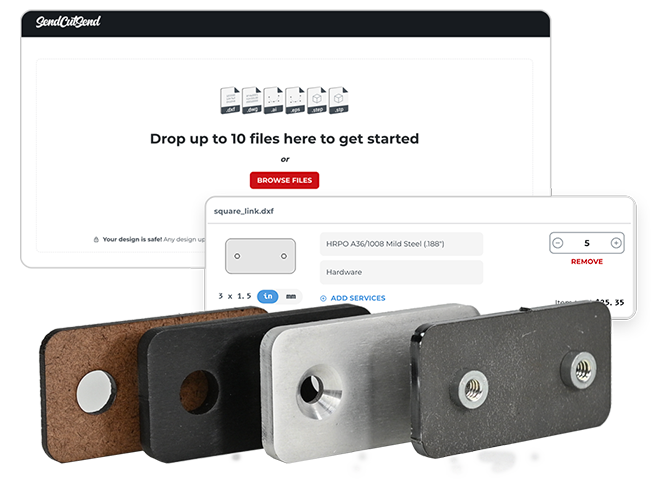
Upload your CAD design, get instant pricing, and we’ll manufacture and ship it right to your door within 2-4 days for standard orders.
We work with 2D vector files (.dxf, .dwg, .ai, or .eps format) and 3D files (.step and .stp format). These files need to be in 1:1 scale. There should only be one part per file, and only the cut paths and bends for the part you wish us to produce.
If you need help creating a CAD file, check out our Education Series.
Follow our design guidelines
Make sure your file is set up for our services by following our Design Guidelines. We also have additional design criteria listed on each of the Material Pages.
"Super great service!!! I made my first order to Send Cuts Send, using their templates to make a stainless steel tag for my custom exhaust. They offer many templates, material and thickness to make so many different designs. I will definitely use them again and again. The process was very quick and shipping was set for regular post, but from concept to my door was about four days. I look forward to ordering again. Couldn’t be happier.
Joe Walker
No CAD file? We can help.
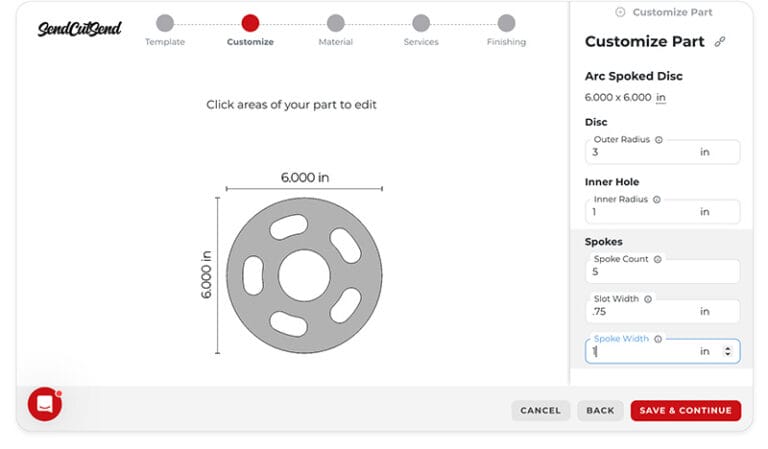
If you don’t have a file for laser cutting, no problem! Our Parts Builder features fully customizable laser cutting templates. If you’re interested in learning CAD, SendCutSend Education is a step-by-step series designed to teach you CAD from the ground up.
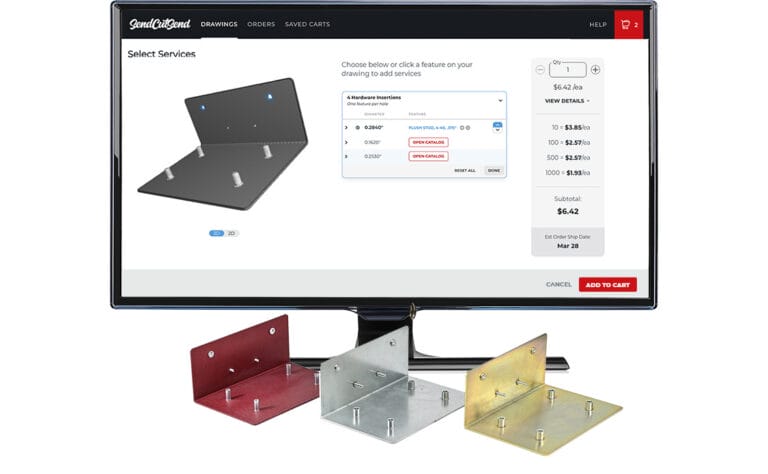
We offer a variety of finishing processes and services to get your parts looking exactly how you imagine. Familiarize yourself with our services and guidelines before uploading your design.
SendCutSend’s “Saved Carts” feature allows you to create a cart with multiple drawings, parts and materials, and share it with others. We’ll provide you with a unique link to share, and anyone
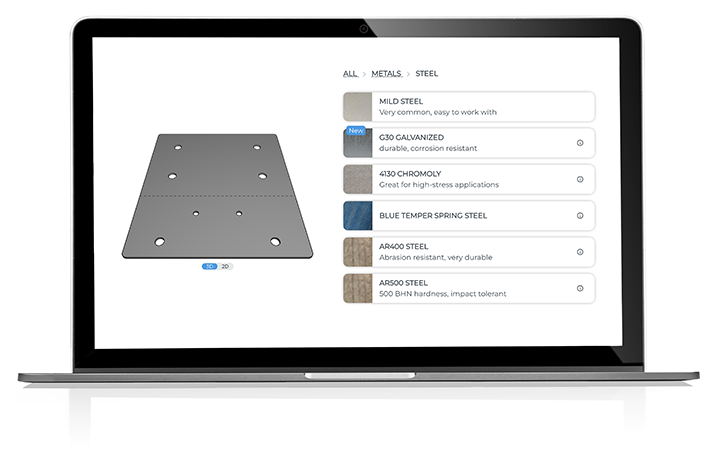
We don’t provide Ra or surface roughness specs for our materials because finishes can vary by supplier and batch. If no finishing service is added, your parts will ship with the standard mill finish, which may include light scratches.
No — we can’t guarantee a specific grain direction. Parts are cut for maximum material efficiency, so grain direction can vary. If grain direction matters, apply your desired finish after you receive your parts.
You can access the part preview tools by clicking the preview image on any part in your account, or when getting instant pricing. Then, under the preview image of your part, select the Tools option. From there you can directly measure your part or access material specs.
To use our online Parts Builder, we recommend logging into your SendCutSend account first. Then select a template. From there, adjust units, dimensions, and feature placement, add bend lines if needed, and save your part before getting instant pricing!
We’re unable to share DXFs for parts created in our Parts Builder. If you want to modify a part beyond the options available in the Parts Builder, we can recommend designers who can help! We also have CAD tutorials for free software like QCAD and Inkscape.
Upload your CAD design, or try one of our customizable part templates to get instant pricing on your custom laser cut parts. All delivered to your door in a matter of days.